- Next.js
- #seo
- #portfolio
- #performance
Building Scalable Next.js Portfolio Platforms
How to move from one-page sites to SEO-focused multi-page portfolios.
November 2, 20253 min readBy Kishan Patel
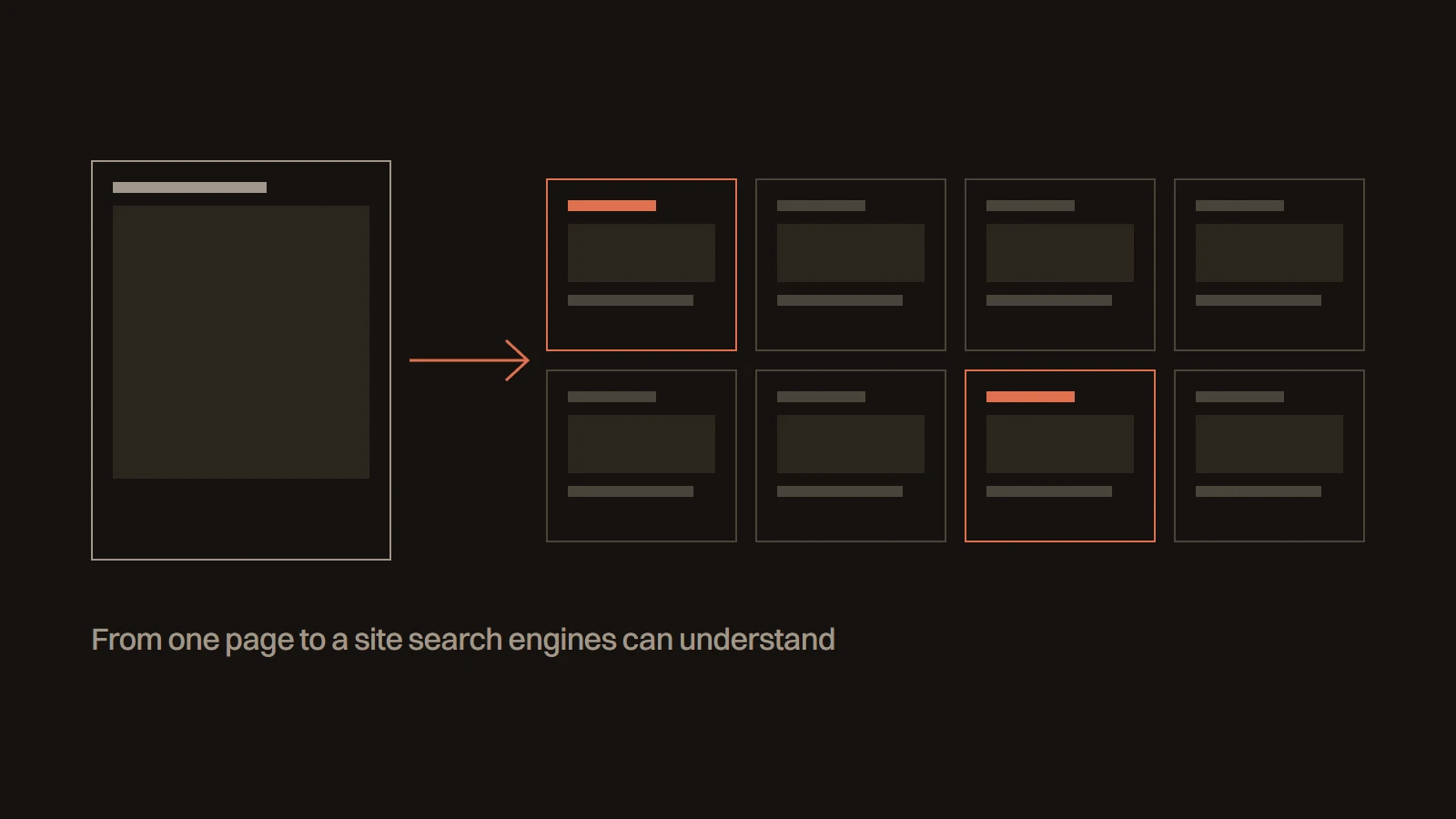
A one-page portfolio is quick to launch, but it gives search engines very little to work with. Every project, service and article shares one address, one title and one description. Splitting that content into separate pages gives each topic its own chance to appear in search.
Give every project its own page
A page for each project can target its own subject, such as a website for a clinic or an architecture studio. In the App Router, a dynamic route with generateStaticParams builds these pages ahead of time, so they load fast and are ready for crawlers from the first request.
// app/projects/[slug]/page.tsx
import { notFound } from "next/navigation";
import { projects } from "@/lib/site-data";

export function generateStaticParams() {
  return projects.map((project) => ({ slug: project.slug }));
}

export default async function ProjectPage({
  params,
}: {
  params: Promise<{ slug: string }>;
}) {
  const { slug } = await params;
  const project = projects.find((p) => p.slug === slug);
  if (!project) notFound();

  return <h1>{project.title}</h1>;
}
Keep content in one place
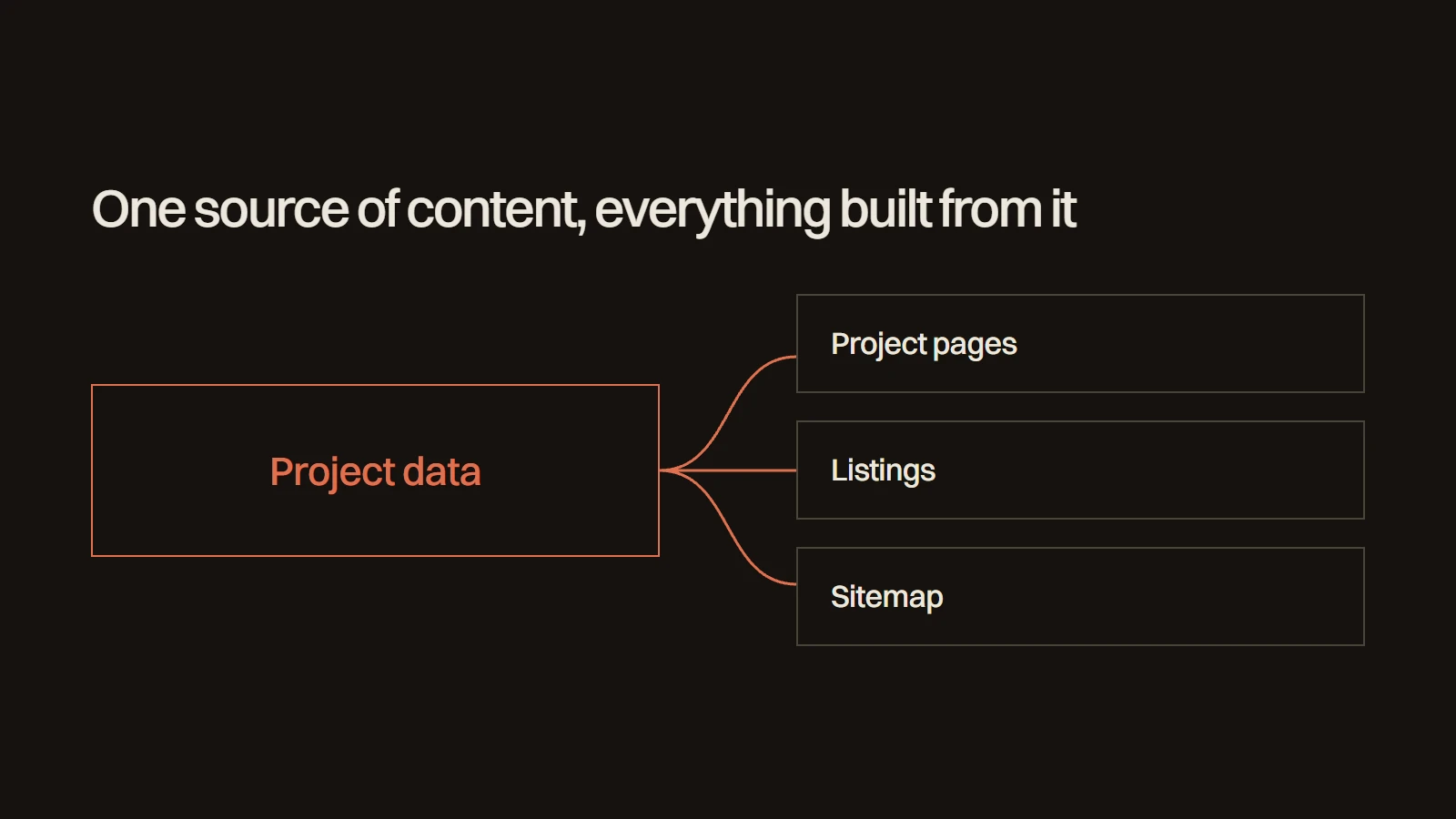
Store projects and posts in a single data file or a CMS rather than hard-coding each page. Adding a project then means adding one entry, and everything else updates together.
Write unique metadata for each page
Google advises against repeated, boilerplate titles, so build each title and description from the real content of the page. generateMetadata runs for every route, which makes this easy to do.
export async function generateMetadata({
  params,
}: {
  params: Promise<{ slug: string }>;
}) {
  const { slug } = await params;
  const project = projects.find((p) => p.slug === slug);

  return {
    title: project?.title,
    description: project?.summary,
    alternates: { canonical: `/projects/${slug}` },
  };
}
A good title describes one page. If it could sit on any page of your site, it is doing nothing.
Help crawlers find everything
Generate the sitemap from the same data as your pages, so it never falls out of date. Link between related pages as well, because crawlers and visitors both follow links to discover what else you have.
// app/sitemap.ts
import type { MetadataRoute } from "next";
import { projects } from "@/lib/site-data";

export default function sitemap(): MetadataRoute.Sitemap {
  return projects.map((project) => ({
    url: `https://example.com/projects/${project.slug}`,
  }));
}
Watch performance as you grow
More pages should not mean a slower site. A few habits keep it fast:
- Keep pages as server components where you can.
- Send only the JavaScript a page needs.
- Use the Next.js
Imagecomponent for screenshots.
The tenth project page should load as quickly as the first. You can see this structure working on my projects page.