- Performance
- #performance
- #web-vitals
- #seo
Designing for a Perfect Lighthouse Score
Performance, accessibility and SEO habits that compound over time.
July 5, 20253 min readBy Kishan Patel
A perfect Lighthouse score is a useful target, but it is not the real goal. Lighthouse runs a single test in controlled conditions, while Core Web Vitals in Google Search are measured from real visitors. A strong score matters most when it reflects what people actually experience.
Treat Core Web Vitals as a budget
Set your limits before you build. Every new feature then has to fit inside that budget.
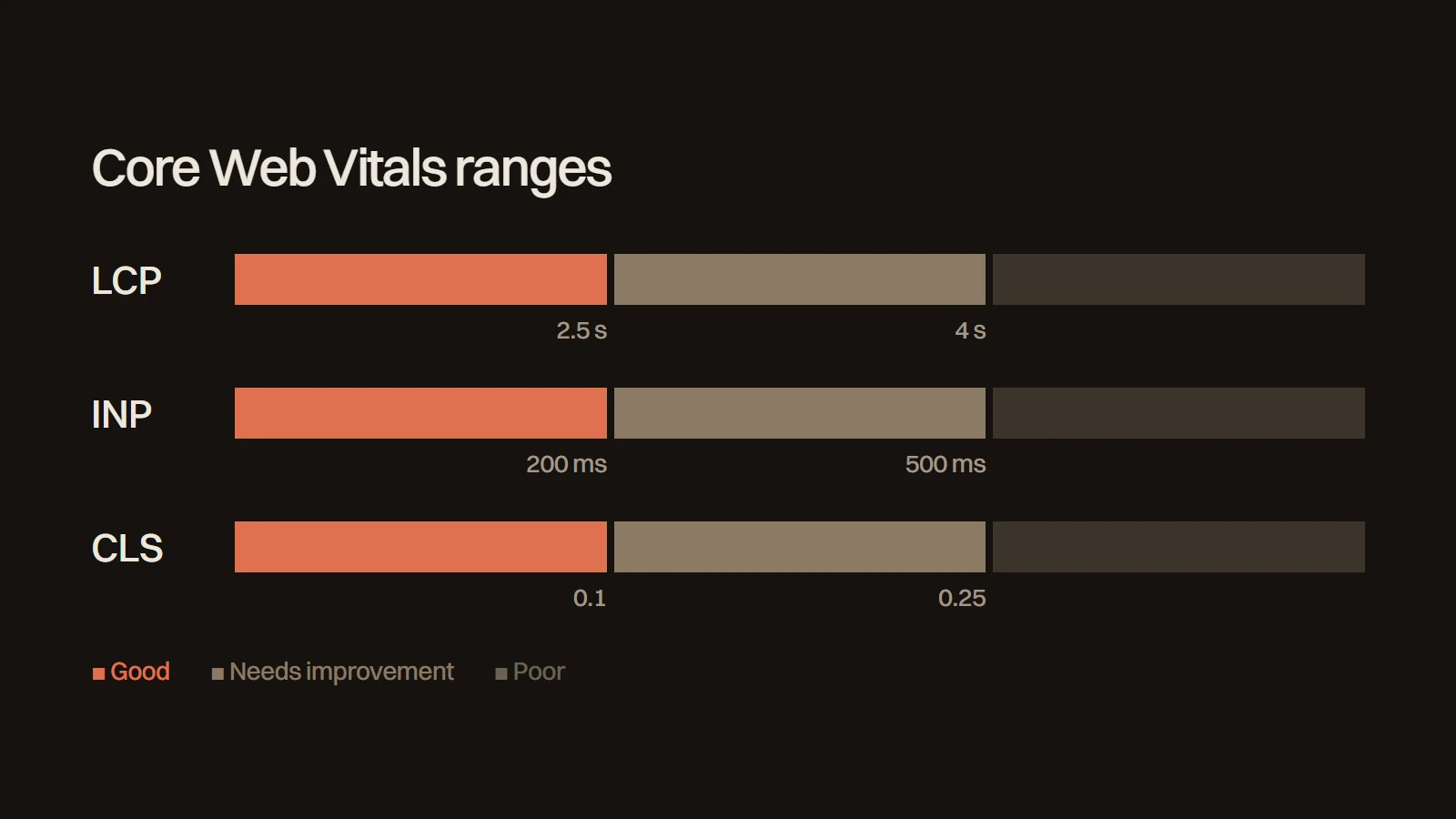
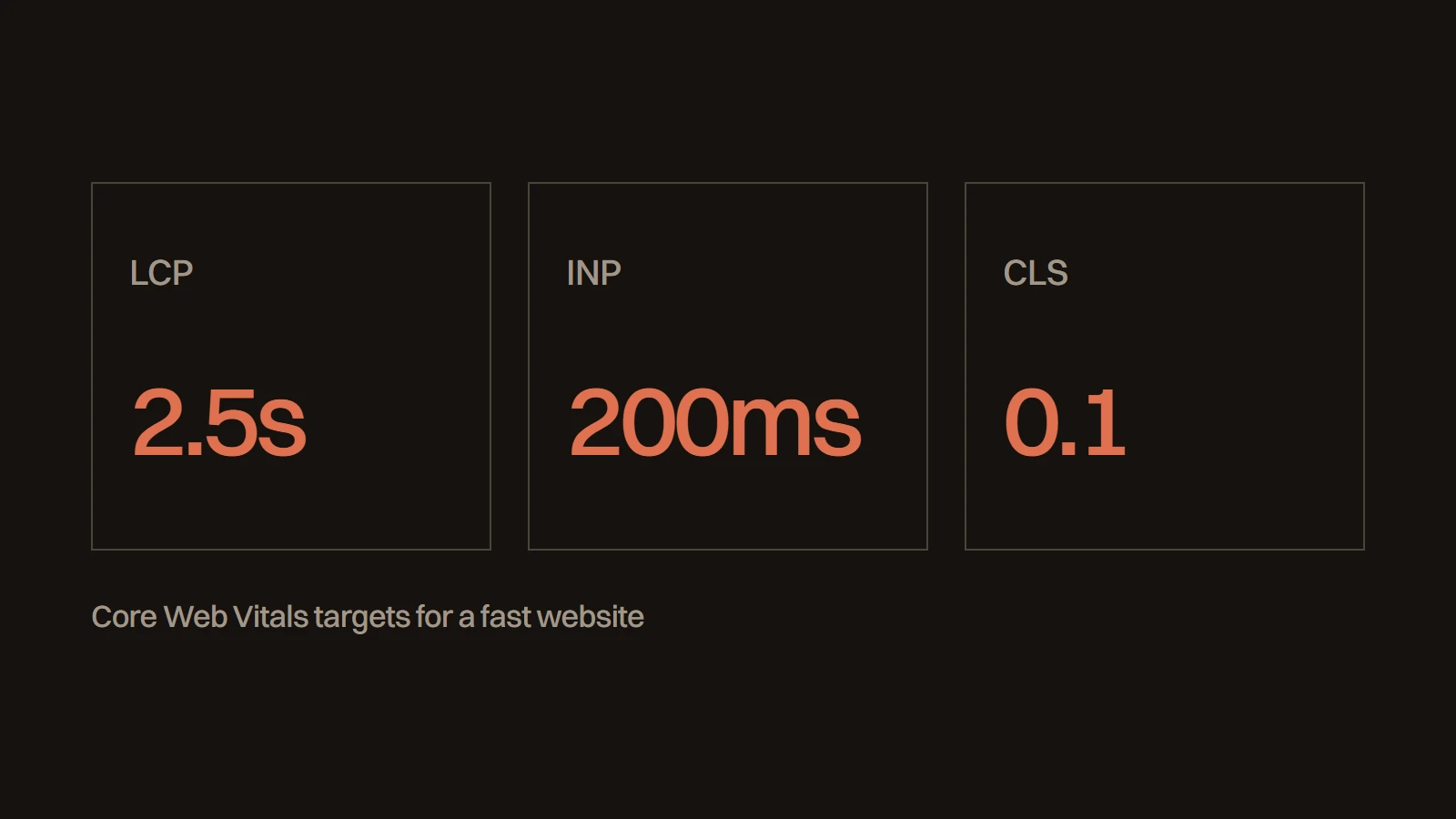
- Largest Contentful Paint: how quickly the main content appears. Aim for 2.5 seconds or less.
- Interaction to Next Paint: how quickly the page responds to input. Aim for 200 milliseconds or less.
- Cumulative Layout Shift: how much the page jumps while loading. Aim for 0.1 or less.
Ship less JavaScript
JavaScript is often the most expensive thing on a page. Render on the server where you can, load heavy components only when they are needed and question every third-party script.
"use client";

import dynamic from "next/dynamic";

// Loaded only when this component renders, not with the first page bundle
const Chart = dynamic(() => import("./chart"), { ssr: false });

export function Report() {
  return <Chart />;
}
Get images and fonts right
Serve images at the size they are displayed, and always reserve their space so the layout does not jump. Load the main hero image early and let the rest load as visitors scroll.
<Image
  src="/hero.webp"
  alt="Website home page on a laptop"
  width={1600}
  height={900}
  sizes="100vw"
  preload
/>
Limit the number of font files, and keep text visible while they load.
import { DM_Mono } from "next/font/google";

const mono = DM_Mono({
  subsets: ["latin"],
  weight: ["400", "500"],
  display: "swap",
});
Build accessibility in from the start
These habits take little effort early on and a lot of effort to add later:
- Use real headings, buttons and links.
- Write useful alt text for images.
- Check colour contrast as you design.
- Make sure keyboard users can reach everything.
Keep checking after launch
Scores fall slowly as content and scripts are added. Test important pages after each release, and use the Core Web Vitals report in Search Console to see how real visitors experience the site.
Performance is not a task you finish. It is a limit you keep to.
If your site feels slow, I can help you find out why. Start a project.